


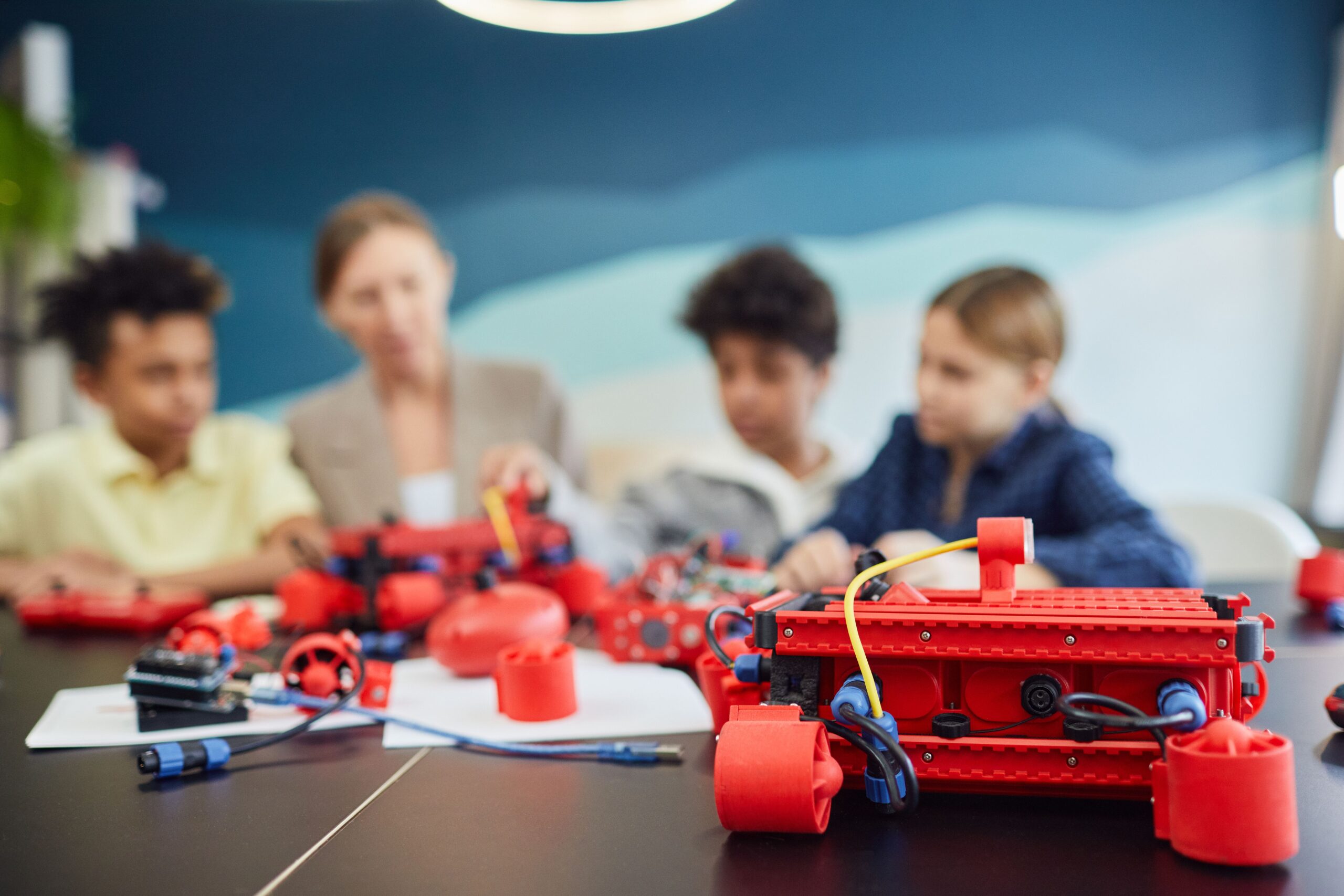
Walking into a modern STEM classroom reveals an environment buzzing with energy as students tinker with aluminum chassis, route colorful wires, and test autonomous code. At the center of every moving creation sits a single programmable chip that acts as the machine’s brain. Choosing this central processor is one of the most critical decisions an educator can make when planning engineering lessons.
The wrong choice can quickly lead to frustrated students and stalled lesson plans. A chip that is too complex leaves beginners confused, while an overly simple one limits what advanced students can accomplish.
Finding the sweet spot ensures that students spend less time troubleshooting basic connection errors and more time learning logic. The right hardware transforms an intimidating programming lecture into an exciting, hands-on breakthrough.
Assessing the Current Skill Level of Your Students
Before looking at hardware brands, teachers must evaluate the technical background of their classroom. Middle school students starting their first engineering class need a completely different entry point than high school seniors preparing for university. Beginners thrive with visual programming environments where they snap virtual blocks together to command their machines.
Advanced students usually require platforms that allow them to type out actual code using industry-standard languages. Writing line-by-line code teaches them the precise logic needed for real-world software engineering and professional development. For these older groups, a board that forces them to stay within a simplified block ecosystem will quickly stifle their growth. Matching the physical hardware to the cognitive level of the room keeps the entire class engaged and moving forward.
Evaluating the Necessary Input and Output Capacity
Every sensor, motor, and light attached to a machine requires a physical connection point on the circuit board known as a pin. While a simple driving base might only need a few pins to operate wheels and a single sensor, adding complex arms and grabbers quickly turns the pin count into a major bottleneck. Educators should always choose a board that offers extra connection capacity so students never run out of ports halfway through a semester or feel limited in their designs.
Considering Ecosystem Compatibility and Software Support
A microcontroller is only as useful as the software platform used to program it. Teachers should look for hardware that boasts a massive, well-documented community with plenty of free lesson plans and troubleshooting forums.
When a student encounters a weird error code at their desk, a quick internet search should reveal immediate solutions. Choosing an obscure or proprietary platform often leaves teachers acting as tech support instead of focusing on actual teaching.
The hardware must play nice with the physical building components already sitting in the school storage cabinets. Many classrooms utilize specialized robotic products like building kits, sensors, and actuators that require specific voltage levels to operate safely. Sourcing components from comprehensive platforms ensures the main controller connects seamlessly to wheels and brackets without complex custom wiring. A cohesive ecosystem means less time stripping wires and more time testing autonomous driving routines.
Balancing Budget Constraints with Long Term Durability
School budgets are notoriously tight, forcing teachers to stretch every dollar across multiple classes and semesters. While purchasing cheap, generic boards online might seem tempting at first, these options often lack long-term durability.
Rookie students are notoriously rough on hardware, frequently plugging wires into the wrong ports or accidentally dropping components onto hard classroom floors. High-quality boards built specifically for education feature built-in protection circuits that save the chip from short circuits.
Investing in rugged hardware reduces the number of replacements a department must purchase over a school year. It is wiser to buy a slightly smaller fleet of reliable, well-protected boards than a massive pile of fragile alternatives. Furthermore, reputable education brands often provide robust warranties and direct customer support to help schools maximize their investments. Prioritizing durability ensures the electronics can survive years of student experimentation.
Reviewing Power Requirements for Mobile Class Projects
Keeping a machine moving requires a stable source of electricity that the onboard computer can safely manage. Some lightweight controllers can run happily off standard AA batteries or a simple USB connection to a student laptop. However, when a machine starts driving heavy motors or lifting mechanical arms, the power draw spikes significantly.
The controller must separate its delicate logic power from the heavy electrical current flowing to the motors. Without proper power management, sudden brownouts will constantly reset the machine under load, confusing students whose code is actually correct. Teachers should select boards with dedicated power input ports designed to handle rechargeable battery packs safely.
Conclusion
Selecting the ideal microcontroller is the foundation of a successful classroom robotics experience that inspires the next generation of engineers. Teachers can narrow down the overwhelming options by matching the hardware to student skills and checking for adequate connection pins. Ensuring the chip fits into an established ecosystem with plenty of documentation saves countless hours of frustration during lab time.
Durability and smart power management guarantee the investment keeps paying off semester after semester. When the hardware disappears into the background and functions flawlessly, students can fully immerse themselves in the joy of invention. The right choice turns a standard science credit into an unforgettable classroom adventure.
